Image & Video Generator, Editor with AI Free
VisualGPT lets you create, edit, and enhance images and videos in one place. With AI tools for quick design, retouching, and creative visuals, you can turn any idea into clear, stunning results.

EXCLUSIVELY ON VisualGPT
 GPT Image 2
Create Faster, Sharper, Smarter with GPT Image 2.
Create authentic, lifelike images and videos with ease.
Explore All ToolsDiscover Popular Features Used by 100,000+ Users
Helping creators & businesses everywhere work easier
VisualGPT’s AI Image Editor uses models like Nano Banana Pro and Seedream 5.0 to refine photos, boost clarity, and add creative effects with ease.
Try Free NowHelping creators & businesses everywhere work easier
Why Use VisualGPT for Your AI Visual Creations?
From social media and marketing to academic or fashion needs, VisualGPT combines top AI models with easy-to-use design.
All-in-One AI Image & Video Platform
VisualGPT brings hundreds of AI tools for image & video creation in one place. Serving industries like ads, e-commerce, social media, real estate, marketing, and entertainment. No need to switch platforms, everything is planned for you.
Best Models, Highest Quality Results
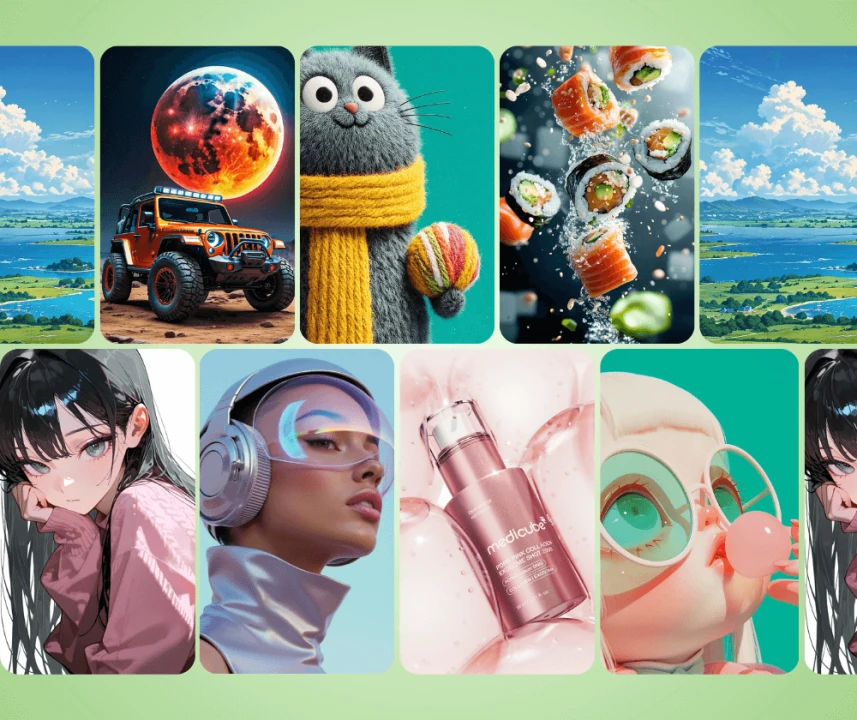
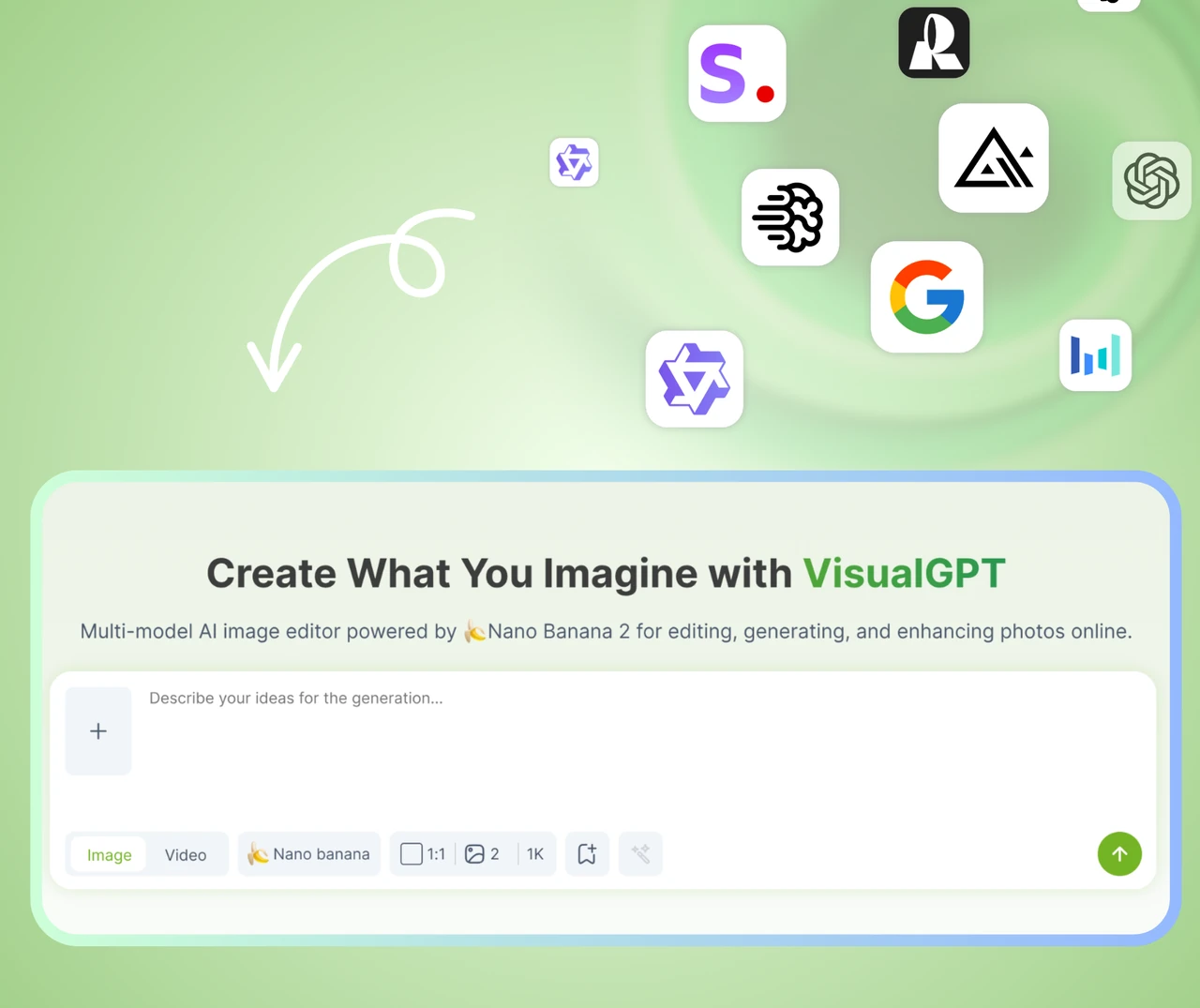
VisualGPT integrates the strongest image models available, such as Nano Banana, Seedance & Seedream, Kling and Qwen. Every picture or video is sharp, detailed, and ready to use. Downloads need no extra fixes, saving both time and effort.
Zero Learning Curve, Instant Start
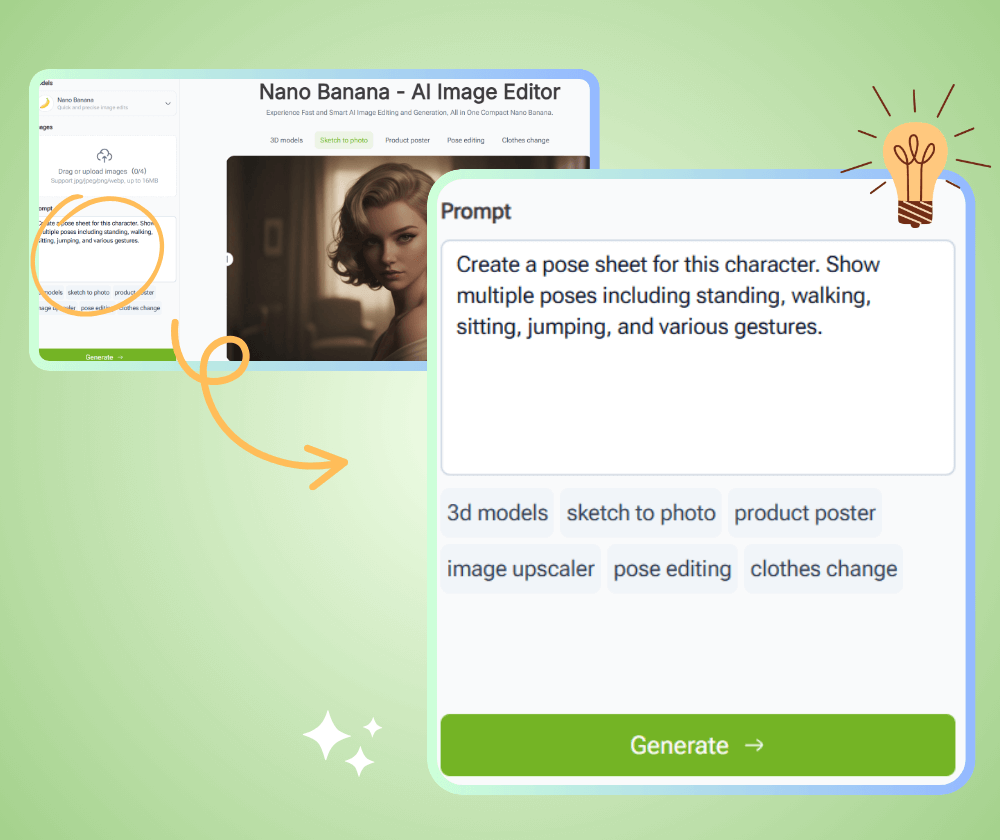
With VisualGPT, you only upload an image or describe your idea in plain words. No complex prompts, no tricky settings, and often no login required. The clean interface makes it simple for beginners and efficient for pros.
Who Can Benefit from VisualGPT?
VisualGPT is used by a wide range of users, from professionals to students, from businesses to individuals. It is a powerful tool for anyone who needs to create visuals quickly and easily.
Marketers & Social Media Professionals
They need steady streams of engaging content. VisualGPT allows them to design ads, posts, and brand materials quickly, keeping campaigns sharp and consistent across platforms.
Designers & Creative Artists
Creators often seek fresh styles and fast edits. With VisualGPT, they can test ideas, enhance photos, and produce unique art while saving time for deeper creative work.
E-Commerce & Retail Businesses
Online shops and retailers require clear product visuals. VisualGPT helps them remove backgrounds, refine images, and create promotional graphics that boost trust and sales.
Everyday Consumers & Hobbyists
Not everyone is a pro, but many want good images. VisualGPT makes editing simple, so casual users can fix photos, try fun styles, or design personal projects without effort.
Educators & Researchers
Teachers and researchers turn complex data and concepts into clear diagrams, infographics, and charts in seconds, making presentations and reports far more engaging.

Get Started with VisualGPT Today
Create, edit, and enhance images & videos in seconds with VisualGPT—no setup or downloads, just upload or describe your idea.
What Users Say About VisualGPT
Over 100,000 users worldwide trust VisualGPT for creating and editing images, giving the platform consistent 5-star ratings for its high-quality results.
VisualGPT has completely transformed how I handle social media content. I used to spend hours designing posts and ads, but now I can upload images or describe my ideas, and the AI generates polished visuals instantly. The quality is consistent, professional, and on-brand, making my campaigns more engaging and saving me a huge amount of time every week.

J.L.
Social Media Manager
As a professional designer, VisualGPT has become an essential tool for my creative workflow. It allows me to explore new styles, refine images, and generate unique artwork without complex software. I especially love using the Nano Banana and Flux models for high-quality effects. With VisualGPT, I can produce professional-level designs faster and experiment with concepts I would never try manually.
A.K.
Graphic Designer
Running an online store, I constantly need clear and attractive product images. VisualGPT helps me remove backgrounds, enhance details, and create promotional banners efficiently. Before using it, editing was slow and inconsistent, but now every image looks professional. The platform is intuitive, and I can generate high-quality visuals for marketing campaigns in minutes, which has improved customer engagement significantly.

M.T.
E-Commerce Owner
I enjoy photography as a hobby, but I am not a professional. VisualGPT makes it easy to edit my pictures, test new styles, and produce creative results I never thought I could achieve on my own. The AI models enhance details, balance colors, and keep the image realistic. Even for someone without design experience, VisualGPT allows me to create polished visuals that are perfect for sharing with friends or posting online.
S.W.
Hobbyist Photographer
In my teaching and research work, creating clear visuals is always a challenge. VisualGPT allows me to turn complex data and concepts into diagrams, infographics, and charts that are easy to understand. The AI generates high-quality images instantly, saving me hours of manual work. Students and colleagues have noticed the difference, and using VisualGPT has made presentations and reports far more engaging and professional.
D.R.
Educator
For real estate and hospitality marketing, high-quality images are crucial. VisualGPT enables me to enhance room photos, test different interior styles, and create brochures that impress clients. Previously, preparing visuals was slow and costly, but now I can produce professional, polished images in minutes that help me attract more clients and close deals faster.

K.L.
Real Estate Agent
Frequently Asked Questions About VisualGPT
Get answers to common questions about VisualGPT and learn how to make the most of our image creation and editing platform.
Just open VisualGPT in your browser, upload an image or describe your idea in plain words, and pick a tool. There is no setup — you can start creating and editing in seconds, often without even logging in.
No. VisualGPT runs entirely online in your browser. There is nothing to download or install — it works on any modern device with an internet connection.
Absolutely. VisualGPT is built for a zero learning curve. You only upload an image or describe what you want in plain language — no complex prompts or technical settings required.
From social media posts, ads, and product photos to portraits, interior designs, and creative art — VisualGPT handles a wide range of image and video tasks, fully editable with a click.
VisualGPT integrates top-tier models including Nano Banana, Nano Banana Pro, Seedream, Seedance, Kling, and Qwen, so every result is sharp, detailed, and ready to use.
Yes. VisualGPT supports batch background removal and editing, so you can process many images at once and keep your workflow fast and consistent.
Most images and edits are generated in seconds. VisualGPT is optimized for speed so you can iterate quickly and download results with no extra fixes needed.
Yes. The AI Room Planner turns empty or messy rooms into styled spaces, letting you explore many layouts for bedrooms, living rooms, or dining areas in seconds.
Definitely. VisualGPT's e-commerce tools create virtual try-ons, outfit changes, AI models, and product photography, plus banners and promotional graphics that boost trust and sales.
Your privacy matters. VisualGPT processes your uploads securely and does not share your images. You stay in control of the content you create and download.
Yes. You can start for free and explore the core tools with no downloads. Upgrade any time to unlock more features, higher limits, and premium models.
Upload an image or describe an idea and VisualGPT instantly produces polished, on-brand posts, ads, and visuals — keeping your campaigns consistent and engaging while saving hours every week.